Rotary attachment

The rotary attachment is used to engrave curved surfaces like glasses or bottles. 

Before using the rotary attachment find a member who has experience with it to assist you. You can go on the slack #equip_lasercutter channel to ask. 

Warning: The attachment is quite heavy so please get help if you need it.

Before installation, make sure the bed is all the way to the bottom and that the laser cutter is OFF.
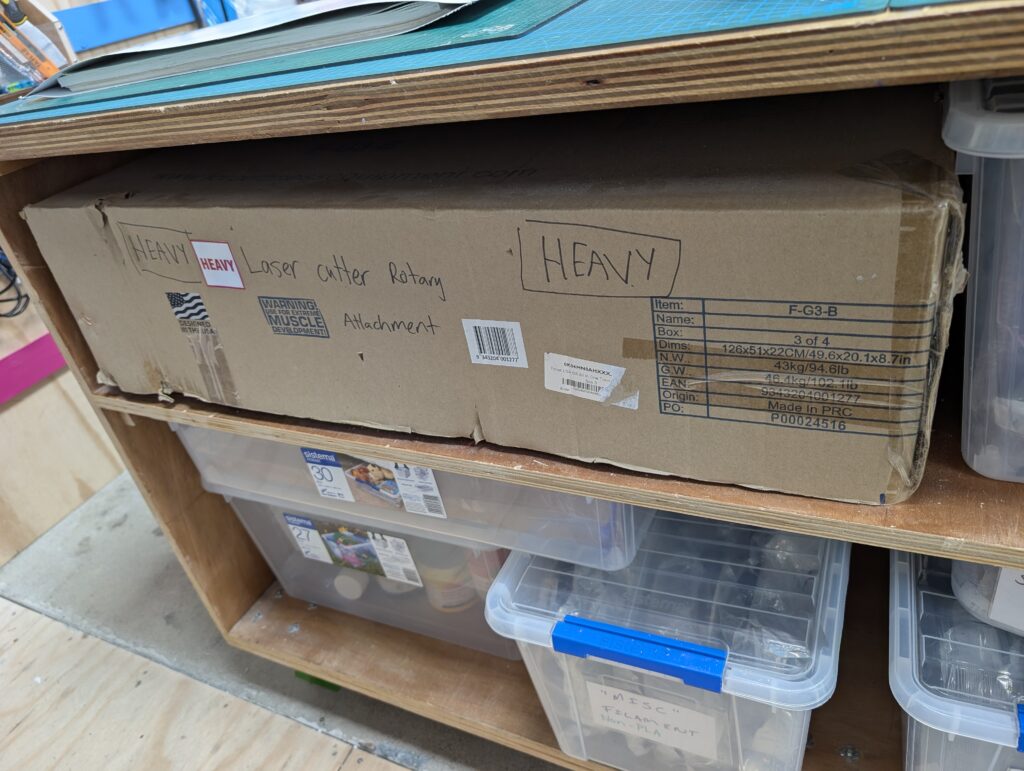
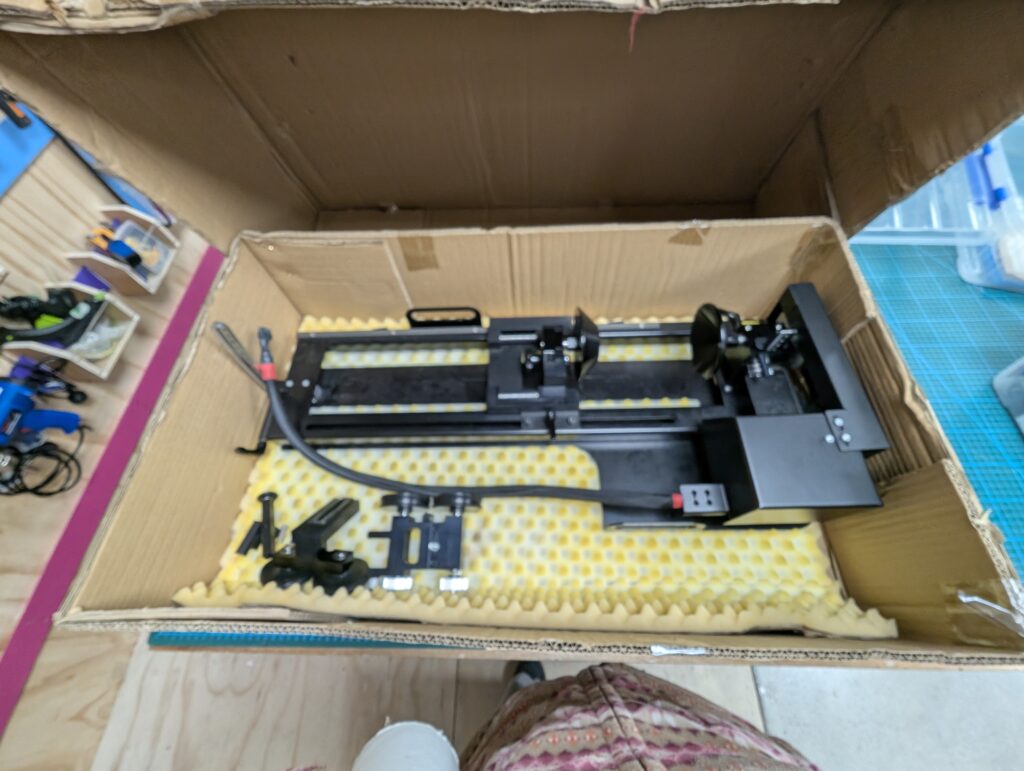
The rotary attachment is stored in this cardboard box. You may need 2 people to lift it as it is not only heavy but the box is quite big.
It comes with different accessories depending on the type of cylinder you’re engraving. Make sure to choose the appropriate one for your needs.
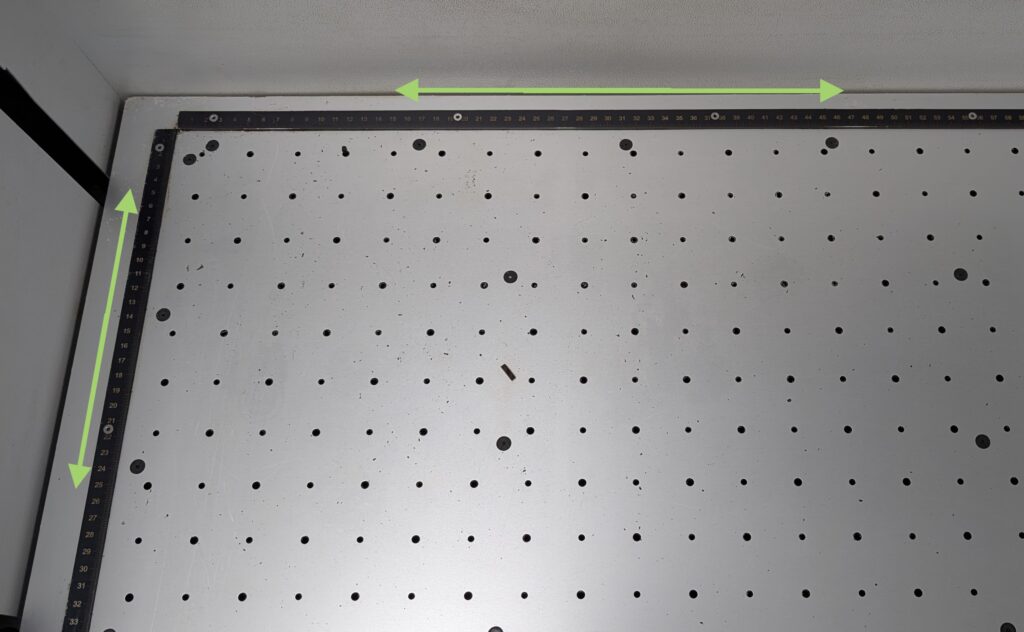
It sits locked into place on the rulers underneath the removable bed.
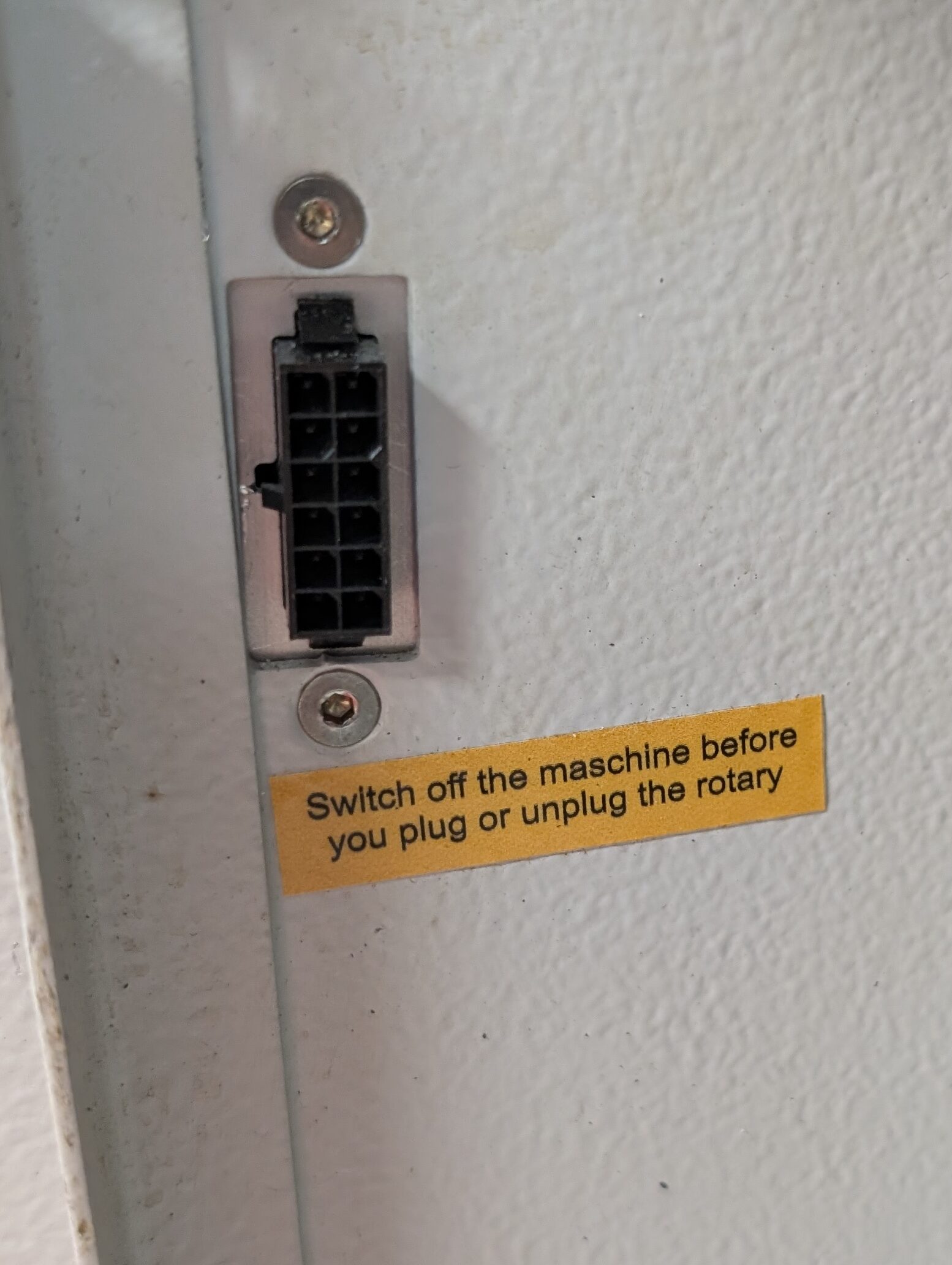
Very important that the laser cutter is not on while you install the rotary attachment. The plug is on left interior. Machine must also be OFF when you unplug it.

You can also refer to the Trotec Manual for instructions on installing the attachment.

Ruby
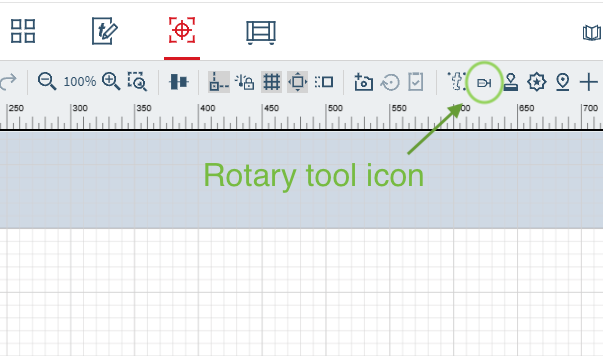
Under the Prepare tab you can activate the rotary attachment feature.

Please deactivate the rotary tool inside Ruby when you are finished. Otherwise the next user will be very confused.

Video of rotary set up and using it with Ruby.

Equipment Usage Calculator

$ per

Total usage0

Base cost$0.00

Minimum adjustment$0.00

Grand total$0.00

Add as many rows as you need; values will be summed.